
Download WordPad TextNote – text editor, note-taking, word processing, document creation, Windows 11, spell check, print, share on social media, recent files, word wrap
Overview
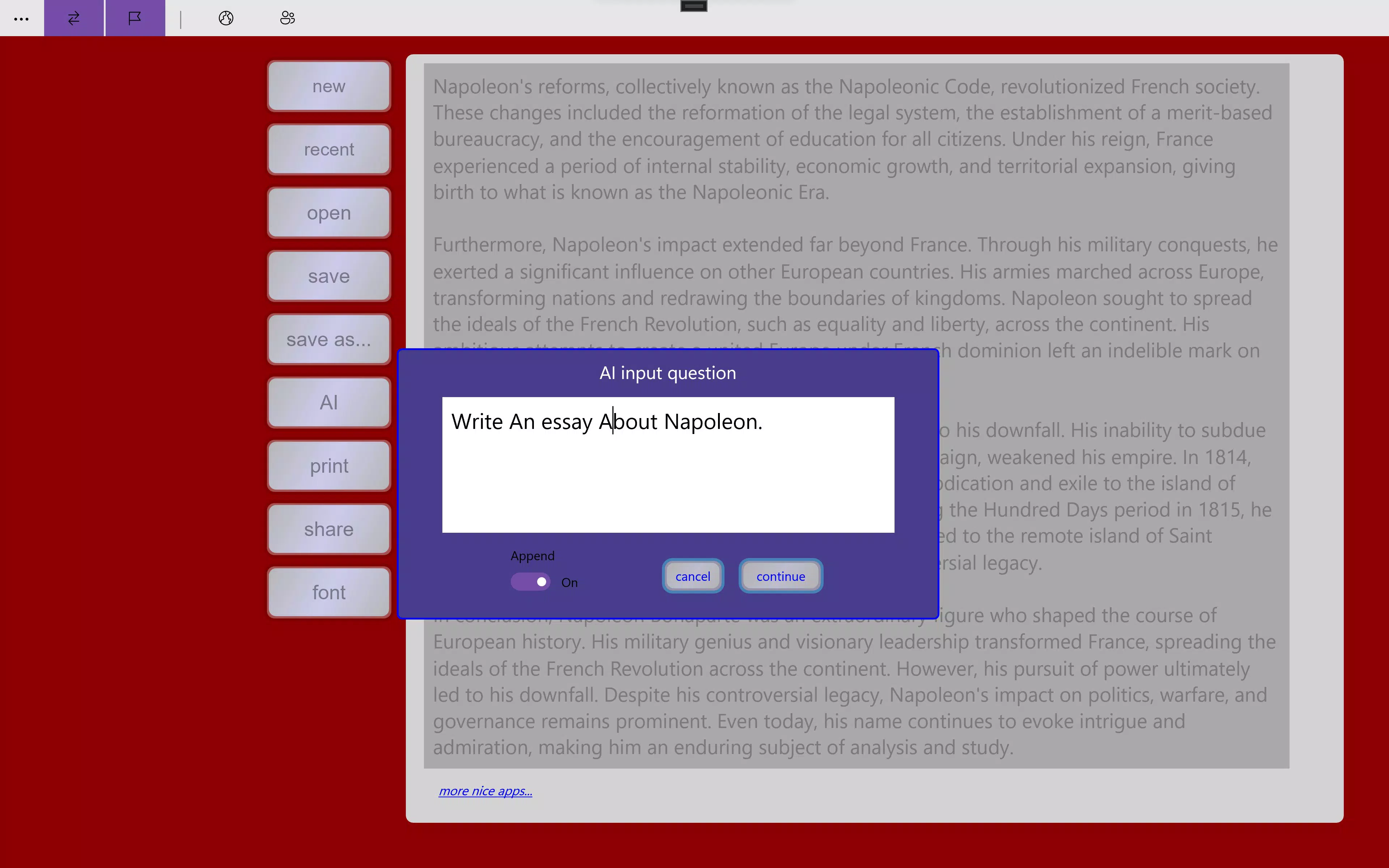
WordPad TextNote is a lightweight yet functional text editor designed for Windows users, with support for modern operating systems including Windows 11. Developed by Microsoft Corporation, the app serves as a straightforward tool for creating, editing, and managing text-based documents. Its primary purpose is to provide a no-frills environment for users who need to write notes, draft short documents, or compose text without the complexity of full-featured word processors. The application addresses common pain points such as inefficient file access, lack of spell checking, and limited sharing options in basic text editors.
Target users include students, professionals, and casual writers who require a reliable, accessible tool for quick writing tasks. The app’s clean interface and essential features make it ideal for on-the-go note-taking, drafting emails, or preparing simple reports. Real-world use cases include classroom note-taking, personal journaling, and quick documentation during meetings. In the broader app ecosystem, WordPad TextNote fills a niche between basic Notepad and advanced word processors, offering a balanced experience for users seeking efficiency and functionality without unnecessary overhead.
Although the developer did not provide additional technical details about its architecture or integration with cloud services, the app remains a stable and consistent utility within the Windows productivity suite. Its long-standing presence since 2015 reflects its reliability and continued relevance in the digital workspace.
Key Features & Functionality
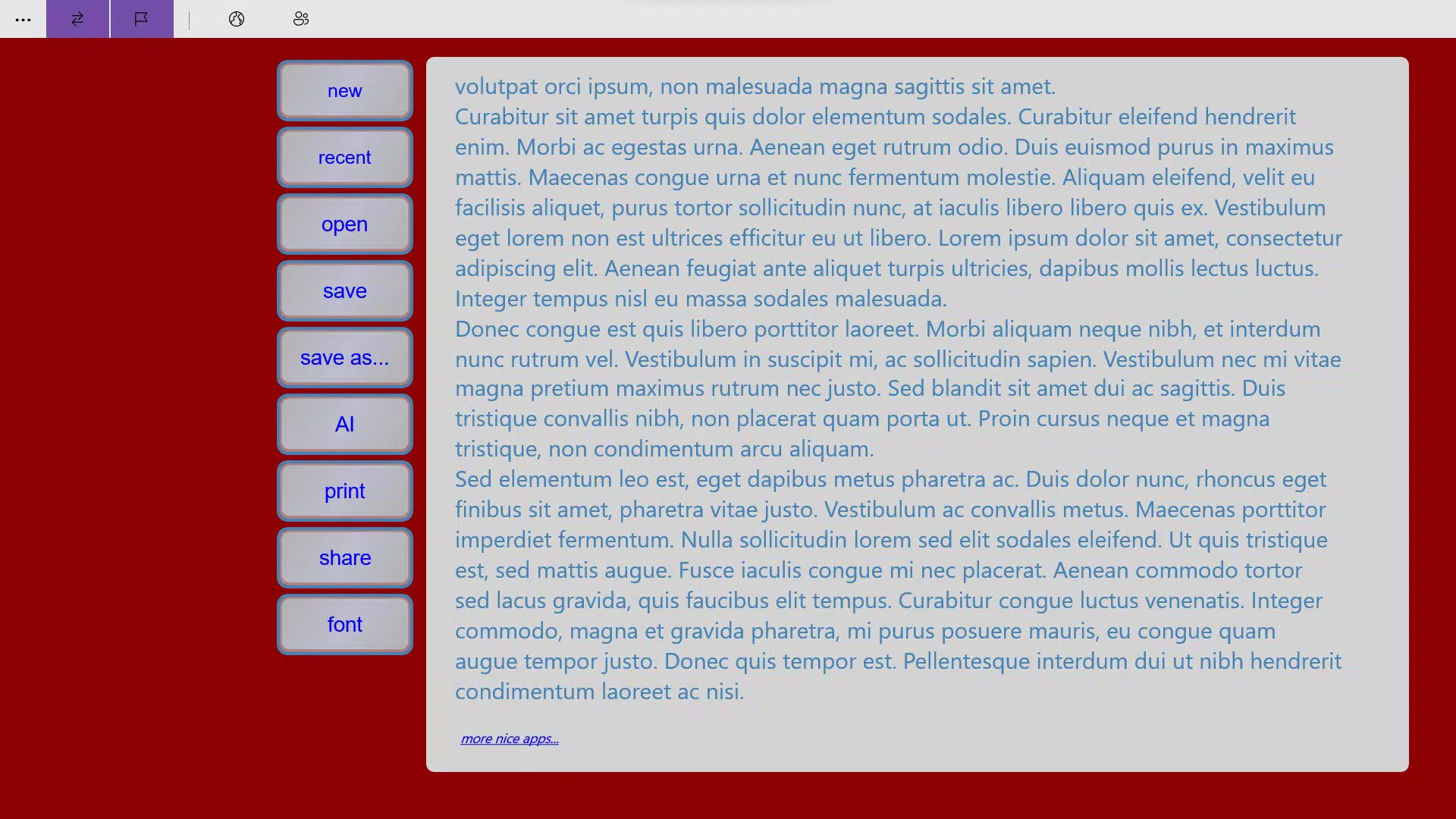
- Easy to Use Interface: The app features a clean, distraction-free layout that prioritizes readability and ease of navigation. Users can start typing immediately without needing to configure settings or learn complex workflows.
- Spell Check Functionality: An integrated spell checker helps identify and correct spelling errors in real time, improving the quality of written content and reducing the need for manual proofreading.
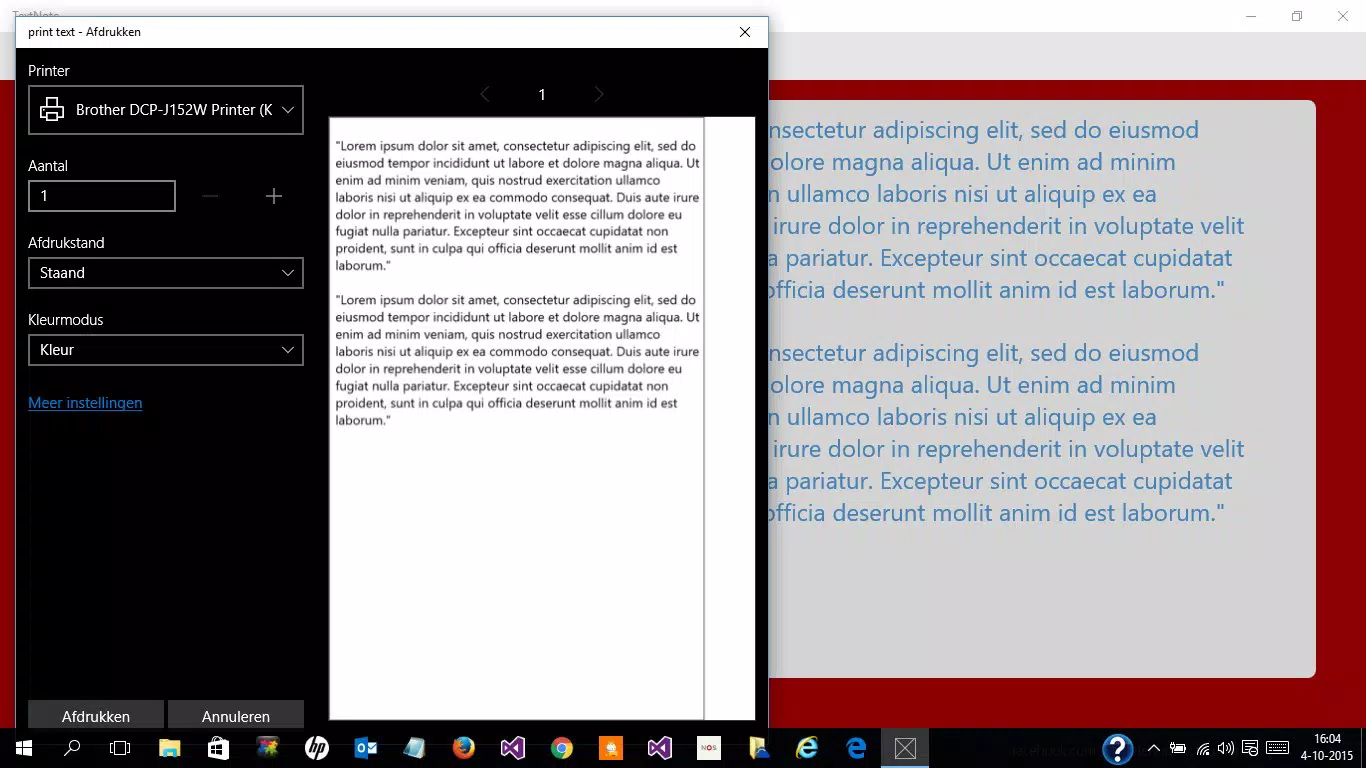
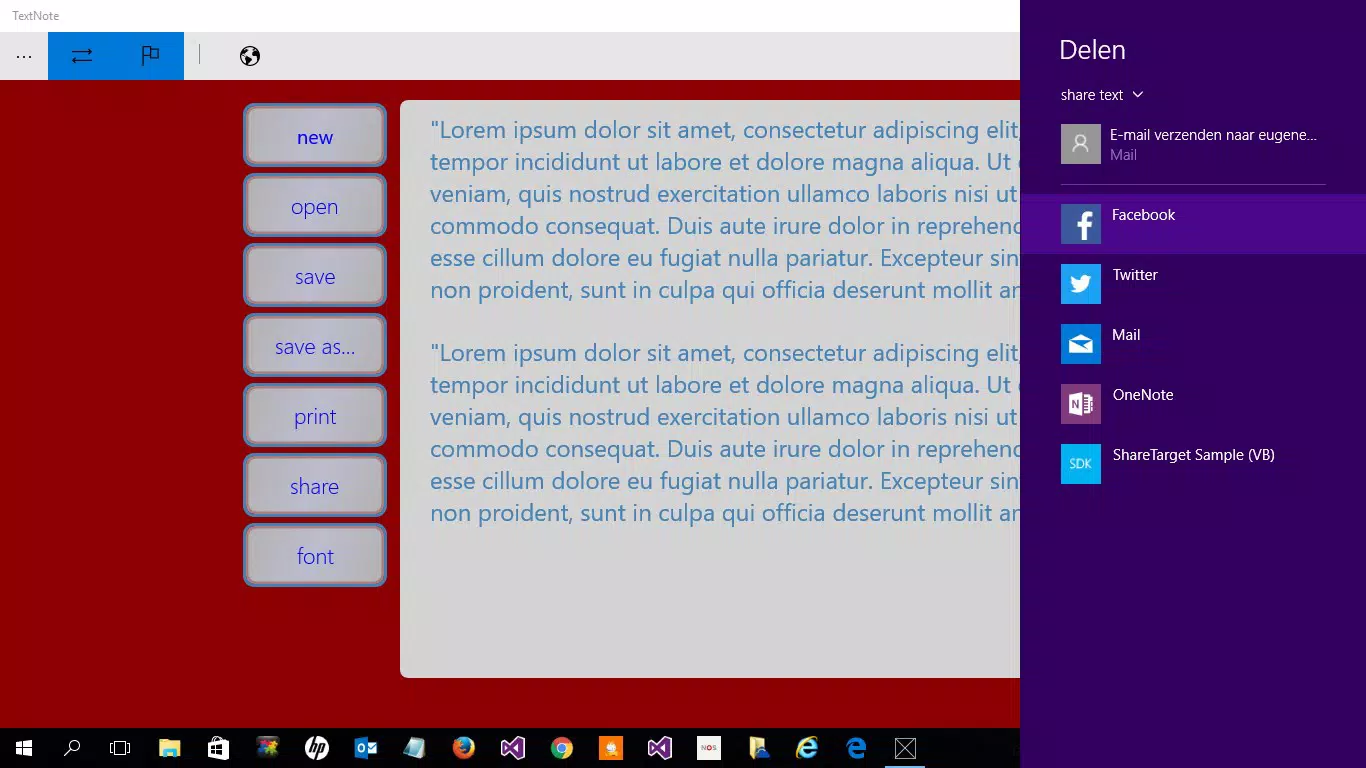
- Print and Share Options: Built-in printing allows users to generate hard copies of their documents directly from the app. Additionally, the ability to share content on social media platforms enhances connectivity and enables instant feedback or collaboration.
- Word Wrap Feature: This functionality ensures that text automatically flows to the next line when it reaches the edge of the window, eliminating the need for horizontal scrolling and improving readability for longer documents.
- Recent Files Access: A convenient listing of recently opened files enables users to return to their work quickly, streamlining multitasking and reducing time spent locating documents.
These features are particularly beneficial in real-world scenarios such as writing a quick to-do list, drafting a message, or preparing a short report. For example, a student can use the spell checker to ensure accuracy in a class assignment, while a professional might use the recent files list to resume work across multiple sessions. The word wrap function is especially useful when composing longer notes, ensuring all content remains visible without horizontal scrolling.
Interface, UX & Performance
WordPad TextNote presents a minimalist interface that emphasizes usability over visual flair. The layout is consistent with traditional desktop text editors, featuring a main text area, a menu bar, and a status bar at the bottom. Navigation is straightforward, with standard keyboard shortcuts and intuitive button placement. Users can open, edit, save, and print documents using clearly labeled controls.
Although the developer did not list formal performance metrics, the app operates smoothly on a range of Windows devices, including those with modest hardware specifications. Responsiveness is maintained during typical usage, such as typing, spell checking, and file navigation. Stability appears to be consistent, with no reported issues related to crashes or freezes in the available documentation.
The app’s lightweight design contributes to fast startup times and low memory usage, making it suitable for use on older or lower-end systems. While specific compatibility details were not disclosed, its continued availability on Windows 11 suggests it is optimized for modern environments. Overall, the user experience is efficient and predictable, aligning with the expectations of a utility-grade productivity tool.
Platform Compatibility & Technical Requirements
WordPad TextNote is designed for the Windows platform and is compatible with Windows 11. The app has a file size of 12.4 MB, indicating a lightweight footprint that requires minimal storage space. The current version is 1.0.0.0, and the app is available at no cost to users.
The developer did not specify minimum OS requirements beyond mentioning Windows 11. Compatibility information was not fully disclosed, so users should ensure their system meets general Windows 11 standards for application support. No additional software dependencies were listed, suggesting the app runs independently with standard system libraries.
Pros and Cons
Pros
- Simple, intuitive interface ideal for users of all skill levels
- Free to download and use with no hidden costs
- Includes essential features like spell check and word wrap
- Supports printing and direct sharing to social media
- Quick access to recently opened files for efficient workflow
Cons
- Limited to Windows platform; no support for Android or iOS
- Developer did not provide detailed technical specifications
- Basic feature set may not meet advanced document formatting needs
- No cloud sync or backup functionality mentioned
- Version and update history were not disclosed
FAQ
Is WordPad TextNote available for Android or iOS?
WordPad TextNote is designed exclusively for the Windows platform. There is no official version available for Android or iOS devices.
Can I use WordPad TextNote without an internet connection?
Yes, the app functions fully offline. Features such as text editing, spell checking, printing, and file management do not require an internet connection.
Is WordPad TextNote secure to download and use?
As a product developed by Microsoft Corporation and distributed through official channels, WordPad TextNote is considered secure. Users are advised to download the app only from trusted sources to avoid tampering.
Does WordPad TextNote support document formatting like bold or italic?
The provided information does not specify support for advanced text formatting such as bold, italic, or font changes. The app focuses on core text editing and basic functionality.
How often is WordPad TextNote updated?
The developer did not disclose update frequency or version history. Users are encouraged to check official Microsoft sources for the latest release information.
Final Thoughts
WordPad TextNote stands out as a dependable, no-nonsense text editor tailored for Windows users who value simplicity and functionality. Its clean interface, spell check, print, and sharing capabilities make it a practical tool for everyday writing tasks. While it lacks advanced formatting and cloud integration, its core features are well-executed and reliable.
Professionals, students, and casual users alike will benefit from its ease of use and minimal system requirements. The app delivers strong value as a free utility that enhances productivity without complexity.
Download WordPad TextNote now


